The password has survived decades of criticism because it is portable, familiar and easy to reset. Passkeys attack all three of those advantages at once, which is why adoption is uneven: strong on new devices, awkward on old ones, and complicated for the people whose job is helping users who are locked out.
A passkey replaces a shared secret with a cryptographic key pair. The private half stays on the device, protected by the same mechanism that unlocks a phone. The public half is stored by the service. Nothing reusable travels over the network, which removes phishing and credential stuffing as attack routes.
Why the security argument is strong
Phishing depends on a user typing a secret into a convincing imitation of a real site. A passkey is bound to the origin of the site that created it, so an imitation receives nothing useful. Credential reuse across services becomes irrelevant because there is no shared secret to reuse.
This is a substantial improvement, and it explains why large platforms and standards bodies have pushed adoption. Guidance from CISA and the FIDO Alliance treats phishing resistant authentication as the direction of travel rather than an optional extra.
The recovery problem is the real obstacle
Passwords can be reset by email. Passkeys cannot be reset in the same way, because the private key exists only on a device or in a synchronised keychain. Losing the device means losing the credential, and recovery becomes the weakest link in the whole system.
Providers have responded with backup codes, secondary devices and recovery keys, each of which reintroduces a weaker factor. If the recovery path is a password reset, an attacker who can compromise email has a route in regardless of how strong the primary factor is.
What support teams are actually dealing with
Support desks measure success in resolution time, and passkey issues are unfamiliar. A user who cannot sign in because a passkey did not sync across devices needs a different script from one who forgot a password, and the scripts are still being written.
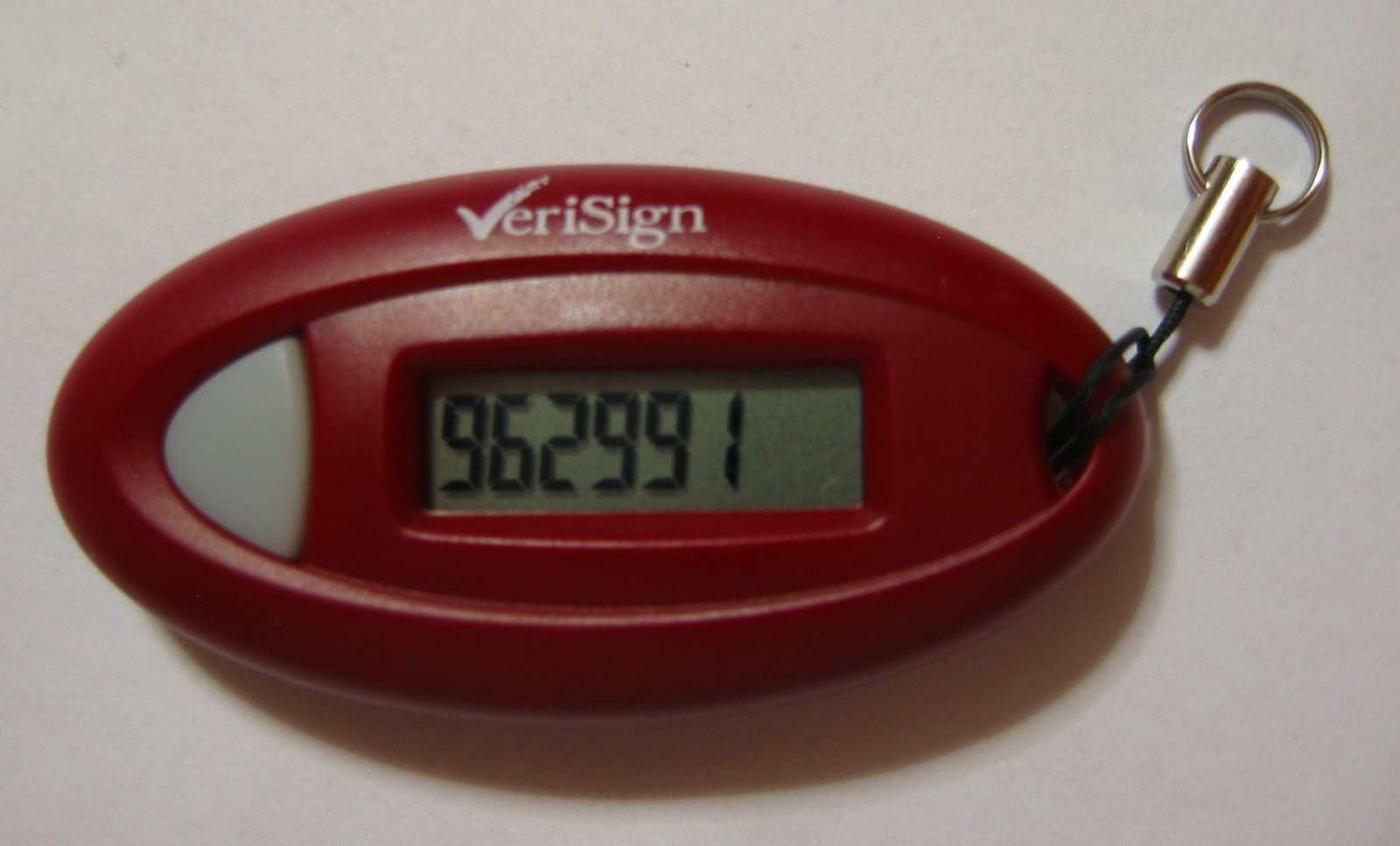
Shared and kiosk devices make this harder. A warehouse scanner or a shared terminal cannot hold a personal key, so organisations keep passwords or issue hardware tokens. Neither is free, and the token supply chain introduces its own delays.
Synchronisation and the platform question
Passkeys sync within an ecosystem, which is convenient until a user switches ecosystems. Cross platform support has improved, and standards work continues, but the experience still depends on which combination of phone, laptop and browser someone uses.
This has practical consequences for consumer services. A signup flow that assumes a modern phone excludes users on older hardware, and support costs rise for exactly the users least able to navigate the change.

A migration path that does not break people
The workable sequence is to allow passkeys without requiring them. Register a passkey when the device supports it, keep an alternative available, and prompt users to add a second device after the first sign in. Track how many users have more than one credential, because that number predicts how many recovery cases will arrive.
Measure the support burden explicitly. Track passkey related contacts as a category, and review the scripts monthly. The organisations that do this find the volume falls as familiarity grows, but only if they invest in the documentation early.
Enterprise rollout and the device fleet
In an organisation, passkeys depend on the devices staff actually use. Managed fleets can enforce platform requirements, but the transition takes budget cycles, and devices bought before the policy existed may not support the necessary hardware security.
Contractors and seasonal staff complicate this further, because they often use personal equipment that the organisation cannot configure. For those users, a hardware security key may be the practical option, and issuing and recovering keys is a logistics problem rather than a technical one.
Regulated industries add a further constraint. Audit requirements may demand evidence of who authenticated and when, and passkey systems record less than older methods in some configurations. Choosing a platform that produces the required logs is now part of the selection process.
Where this leaves the password
Passwords will persist for a long time in systems that cannot be changed quickly, and in situations where a physical token cannot be issued. The realistic goal is to reduce their use where they are most dangerous, such as administrative access and email, and to accept them elsewhere for now.
For administrators, the immediate step is to require a second factor on the accounts that matter and to enable passkeys for staff where the tooling allows. That combination removes most of the realistic attack paths while the recovery experience catches up with the security ambition. It is also worth testing the recovery flow from the user’s side at least once a year, because a process that works in documentation often fails in practice.
Image: Wikimedia Commons · Public domain · via Wikimedia Commons.